
🚀 Download Startup Scene
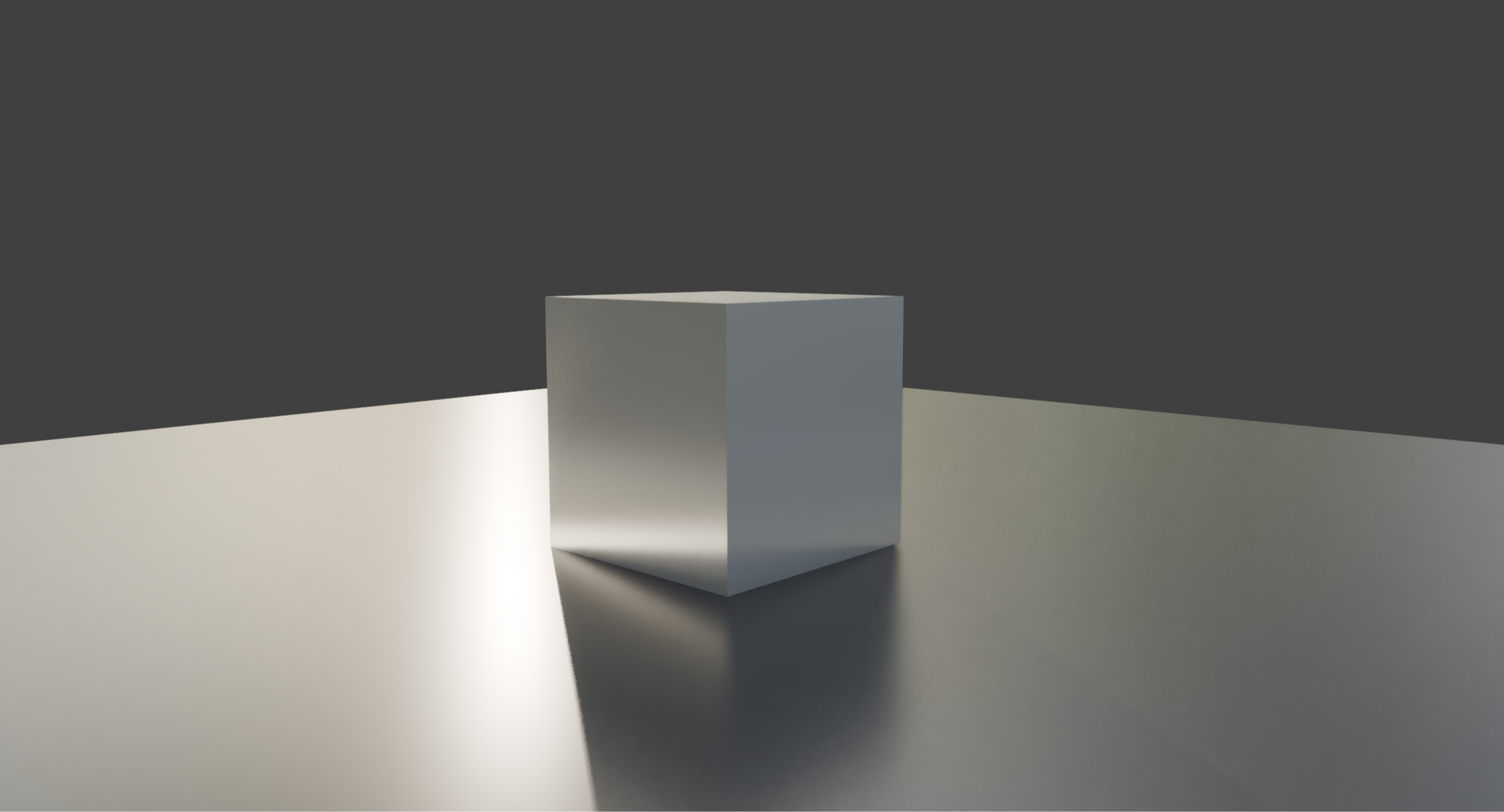
Here you can download the default startup blender scene and use it as your own startup scene :)
How do I set it as my Default Startup File in Blender?
Very simple! Just download it, unzip it and open the scene in Blender. Then go to File > Defaults > Save Startup File and that should be it! From now on each time you will open Blender, you will have nice and shiny cube lit by cool HDRI in Material Preview mode :)
Free Workshop: Modeling SciFi Modular Wall in Blender!
Master the fundamentals of sci-fi hard surface modeling in Blender by creating your own modular SciFi Wall panel - the perfect building block for futuristic interiors! In this mini-course, you'll learn how to gather effective references while establishing your own unique style, design with modularity in mind, and use Blender's Boxcutter and Decal Machine addons to speed up your workflow.
Whether you're a beginner or an intermediate artist, this course will give you practical tools to create clean, production-friendly sci-fi assets.
Mastering World Creator: From Zero to Hero Course
Master the essentials of terrain creation in World Creator by learning the core tools, techniques, and workflows behind professional environment art. In this structured, practical course, you’ll progress step-by-step from fundamentals to more advanced techniques that unlock the full power of World Creator.
You’ll learn to work confidently with the main UI, Lighting and Water, Masks, Materials, Shape Layers, Object Scattering, Simulations, and Texture Export - everything you need to create stunning landscapes for games, cinematics, or your personal projects of any kind. Lessons are clear, digestible, and shown in real time, making this course ideal whether you’re brand new to World Creator or looking to sharpen your workflows and design production-ready environments with confidence and creativity.