
Mastering World Creator: From Zero to Hero Course
Master the essentials of terrain creation in World Creator by learning the core tools, techniques, and workflows behind professional environment art. In this structured, practical course, you’ll progress step-by-step from fundamentals to more advanced techniques that unlock the full power of World Creator.
You’ll learn to work confidently with the main UI, Lighting and Water, Masks, Materials, Shape Layers, Object Scattering, Simulations, and Texture Export - everything you need to create stunning landscapes for games, cinematics, or your personal projects of any kind. Lessons are clear, digestible, and shown in real time, making this course ideal whether you’re brand new to World Creator or looking to sharpen your workflows and design production-ready environments with confidence and creativity.

Structured Approach
The Workshop features structured step-by-step approach

Easy To Follow
I explain and breakdown everything on the screen so you can follow along

No Sped-Up Videos
All videos are recorded and accurately narrated
Imagine creating your own breathtaking, production-ready landscapes
In this step-by-step World Creator course, you’ll master the essential tools and workflows needed to build beautiful landscapes and develop the confidence to turn your ideas into fully realized environments.
Free yourself from jumping between endless YouTube videos, and instead follow one clear, structured path that takes you from the basics to advanced techniques with no guesswork.
Brief outline of the workshop
The workshop is structured in a step by step easy to follow manner with short concise videos so you can follow along at your own pace and apply the knowledge to your own projects:
1. UI and Viewport Settings
Learn key UI Elements and Viewport Tools with confidence.
2. Lighting and Water
Set up Lighting and Water to define the mood of your landscapes.
3. Essential Workflows
Understand the main terrain workflows and distribution rules.
4. Masks
Learn to use Masks to control Material and Filter distribution.
5. Materials
Build cool surfaces with PBR textures, Gradients and Sampled Colors.
6. Shape Layers
Master Sculpt, Landscape, Path, Polygons and other Shape Layers.
7. Scattering Objects
Populate your worlds by scattering trees, rocks, and other assets.
8. Simulations
Add realism with simulated snow, sand, and debris across your terrain.
9. Exporting Textures
Export all the maps you need for games, cinematics, and other DCC tools.
10. Creat Coastal Cliffs!
Put everything into practice by creating a stunning coastal cliffs landscape from start to finish.
Master Masking and Distribution Rules!
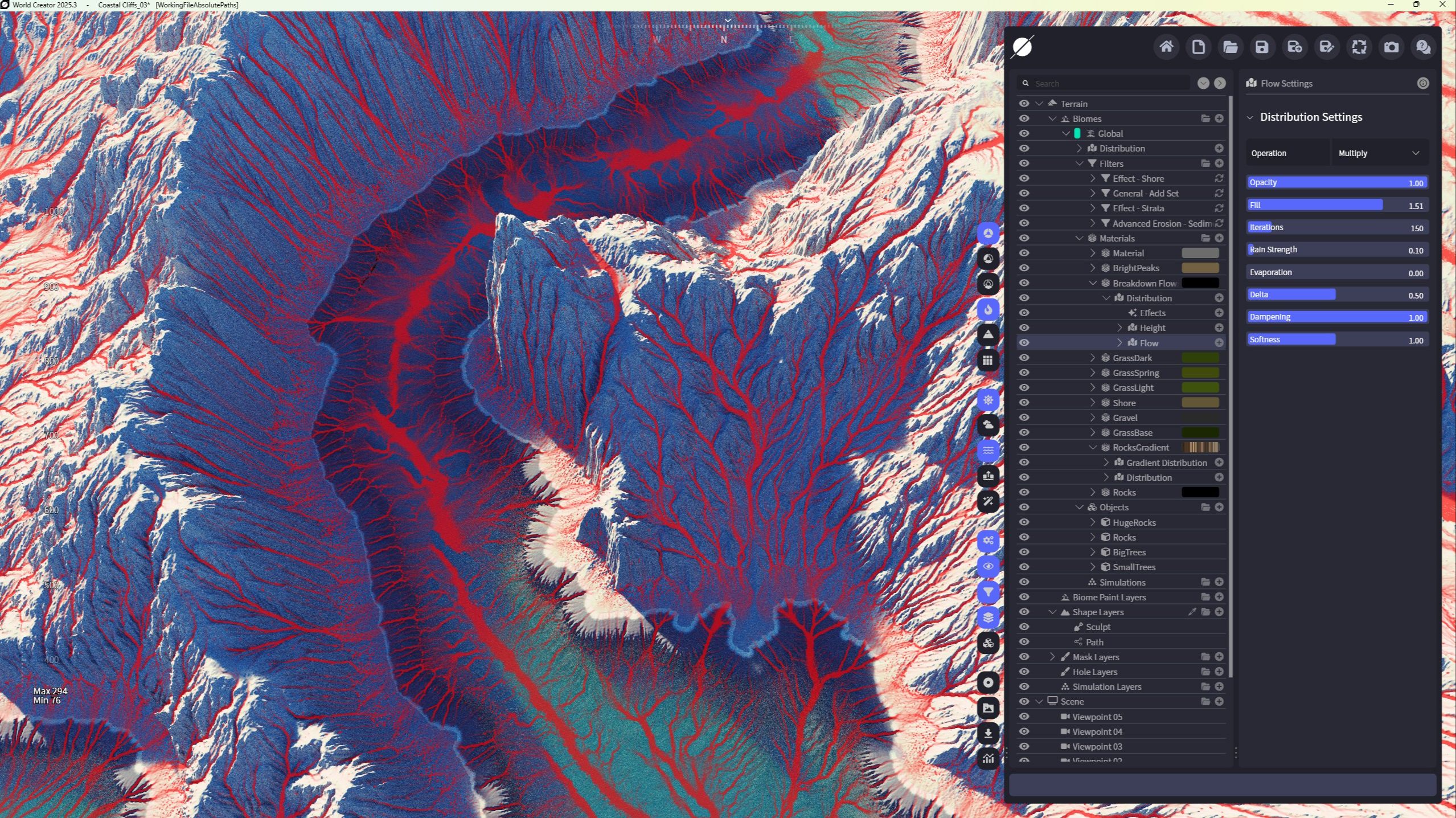
World Creator’s Masking and Distribution system is incredibly powerful - and mastering it is one of the biggest steps toward creating believable, production-ready landscapes. In this course you will find chapters dedicated entirely to understanding how Masks can help with having great control over Materials, Filters and Objects distribution.
You’ll learn how to create clean, expressive masks, combining them in a specific way to take full control over your terrain, and use distribution rules to control exactly where materials, rocks, vegetation, and other scattered objects appear across your landscape.
Ready to build stunning Landscapes with World Creator?
Get World Creator HERE!
Any other topics covered?
Yes! I also share plenty of useful tips and shortcuts on working efficiently with layers, exporting masks and improving the visual impact of your terrain exporting textures with production quality in mind. A must-see for any aspiring environment artist looking to create truly expressive terrain!
Dedicated Practice Chapter: Coastal Cliffs Landscape!
Elevate Your World Creator skills even further with Coastal Cliffs practice!
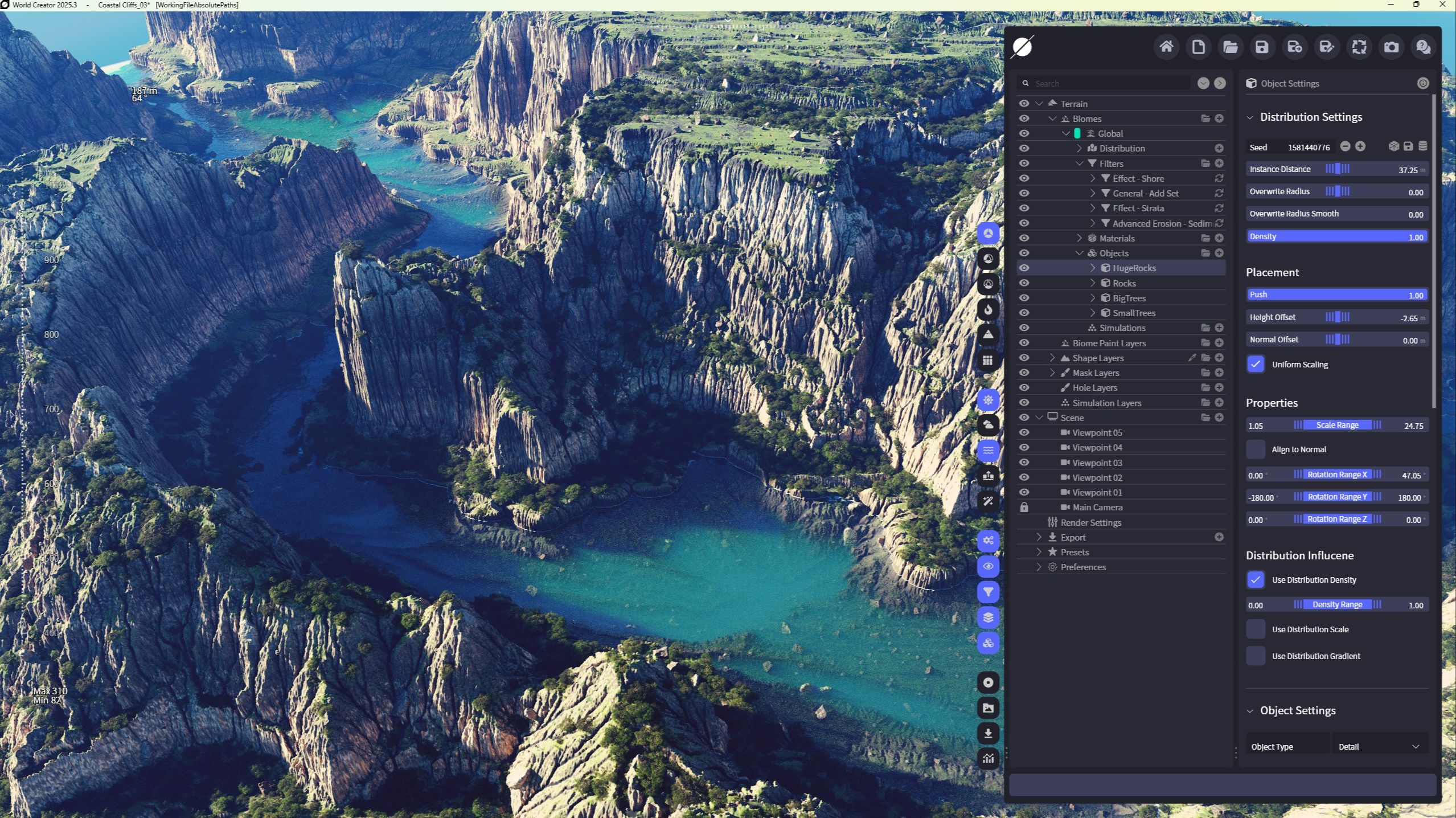
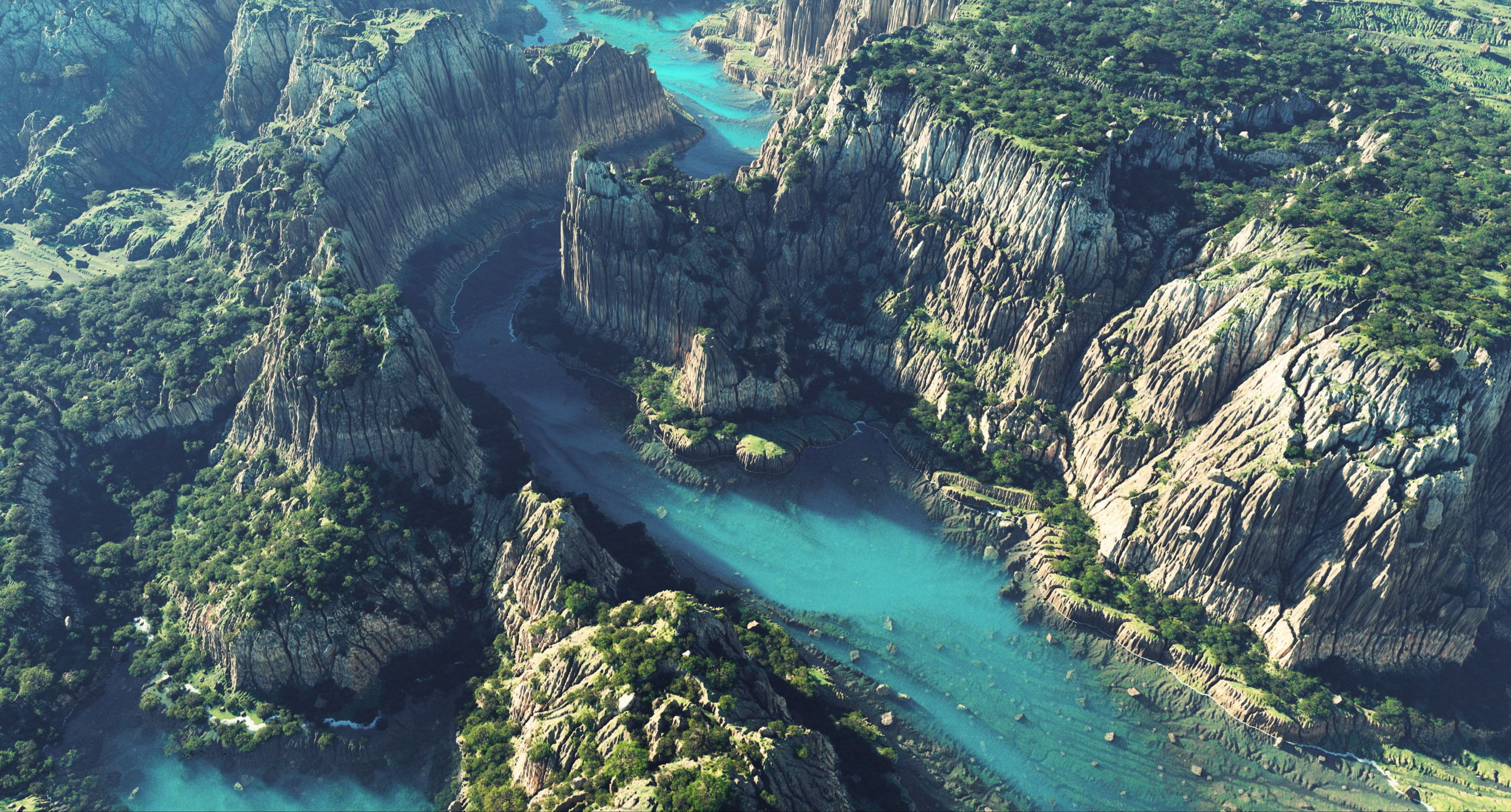
World Creator is a fantastic tool! Its real-time workflows, powerful layering system, and artistic control make it one of the most exciting tools for modern environment artists. That’s why I included a full dedicated chapter focused entirely on creating a stunning Coastal Cliffs landscape from scratch - a real, practical walkthrough that ties everything in the course together.
Build complex things easily!
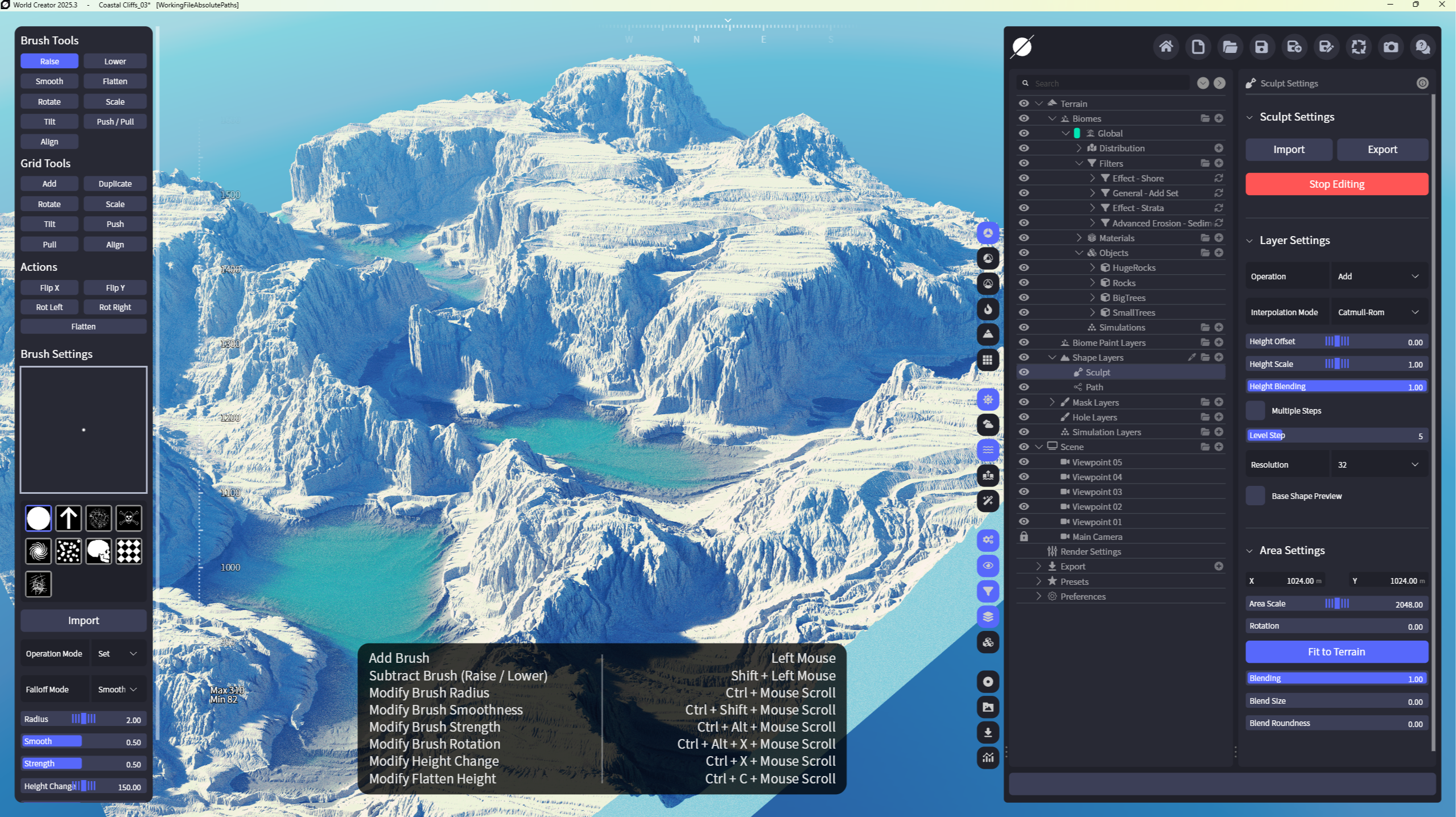
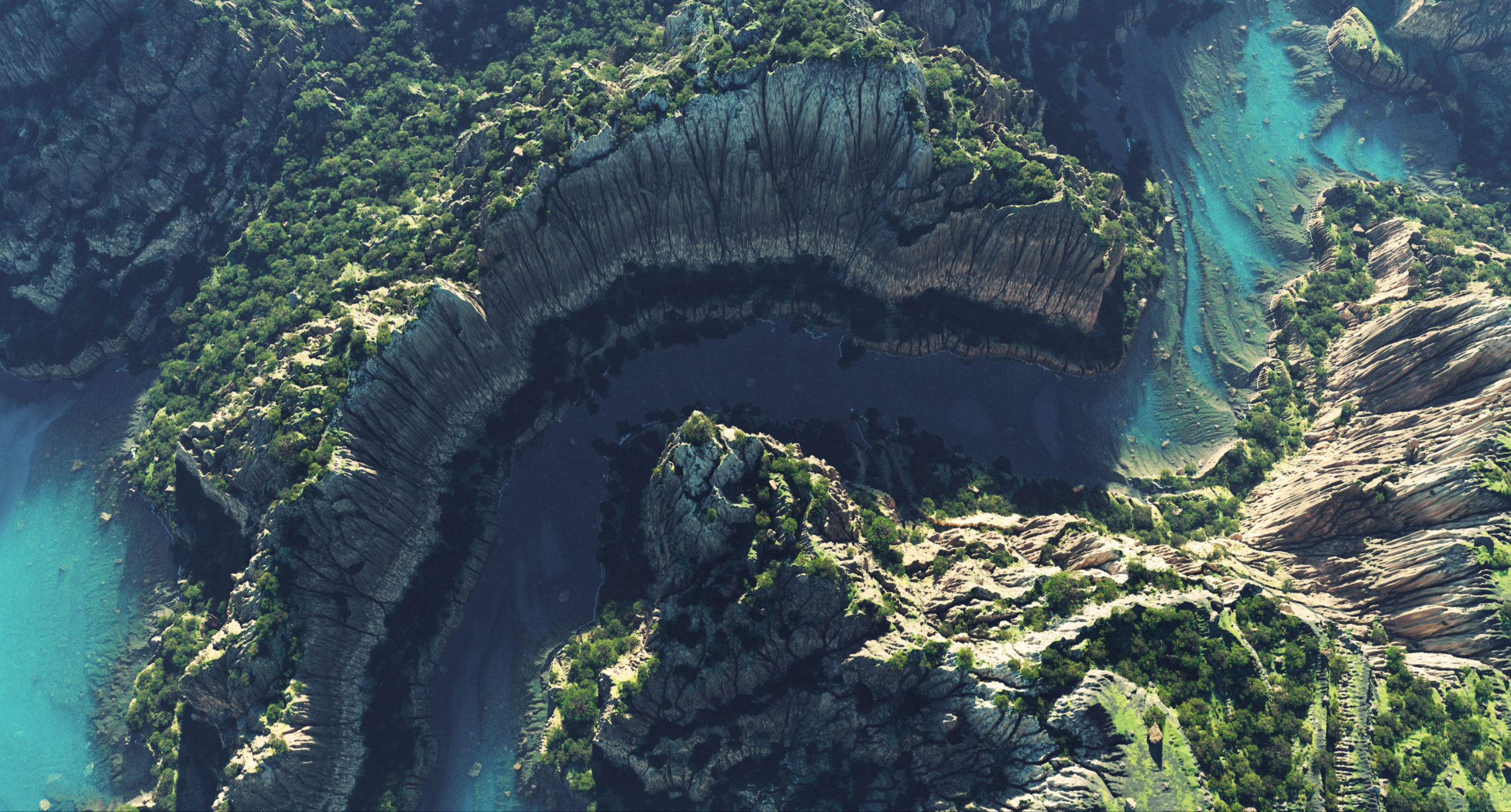
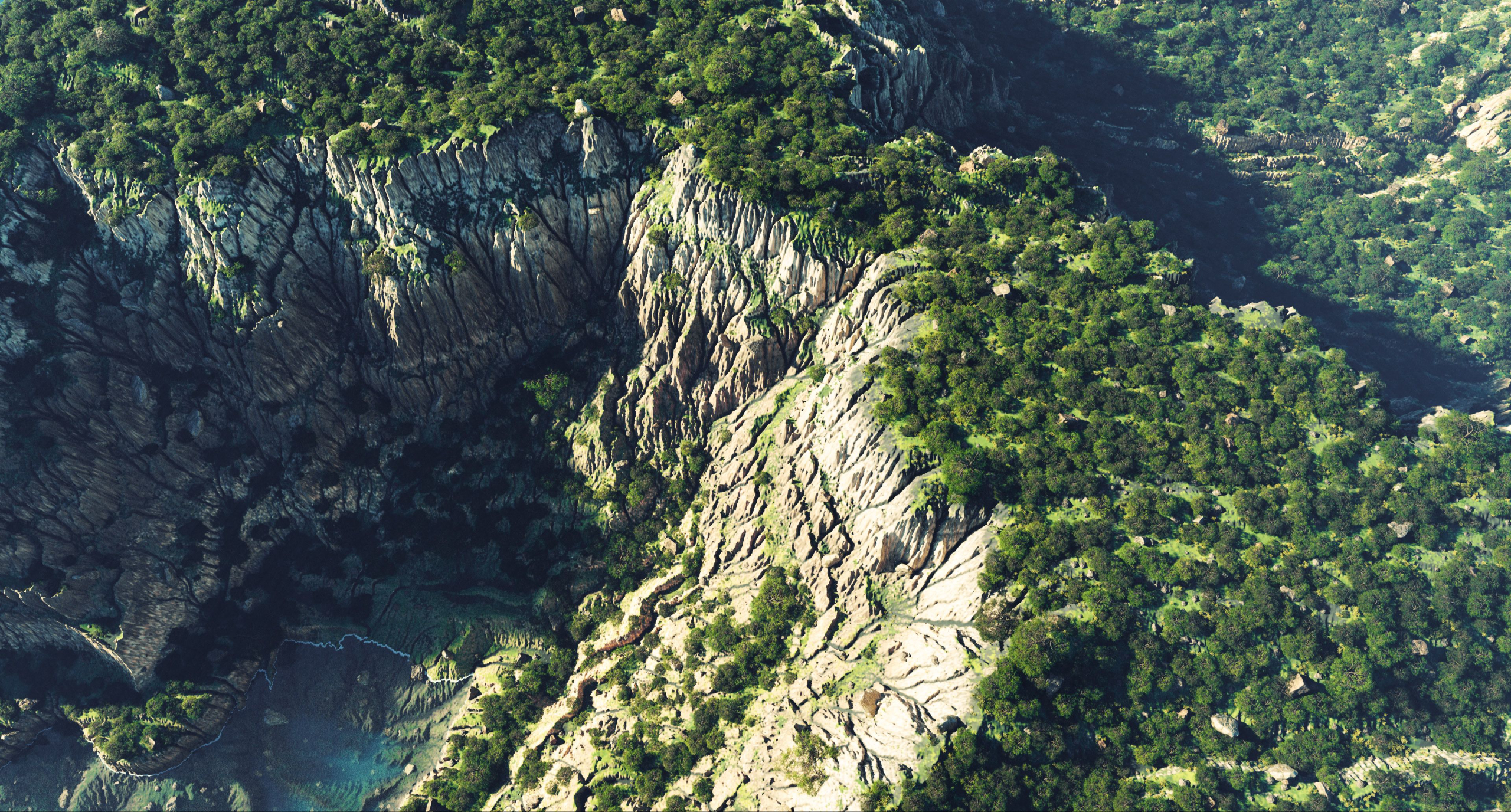
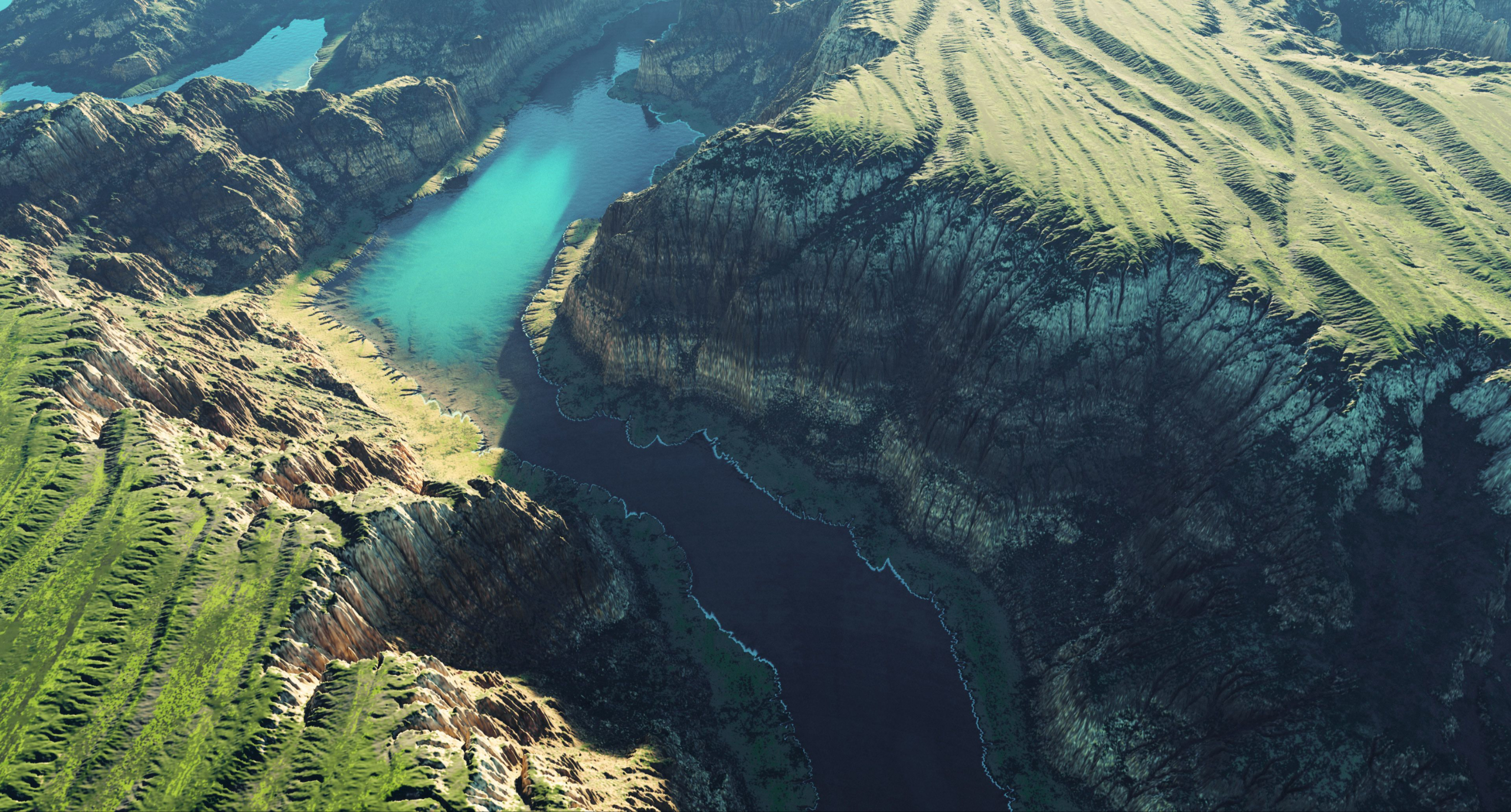
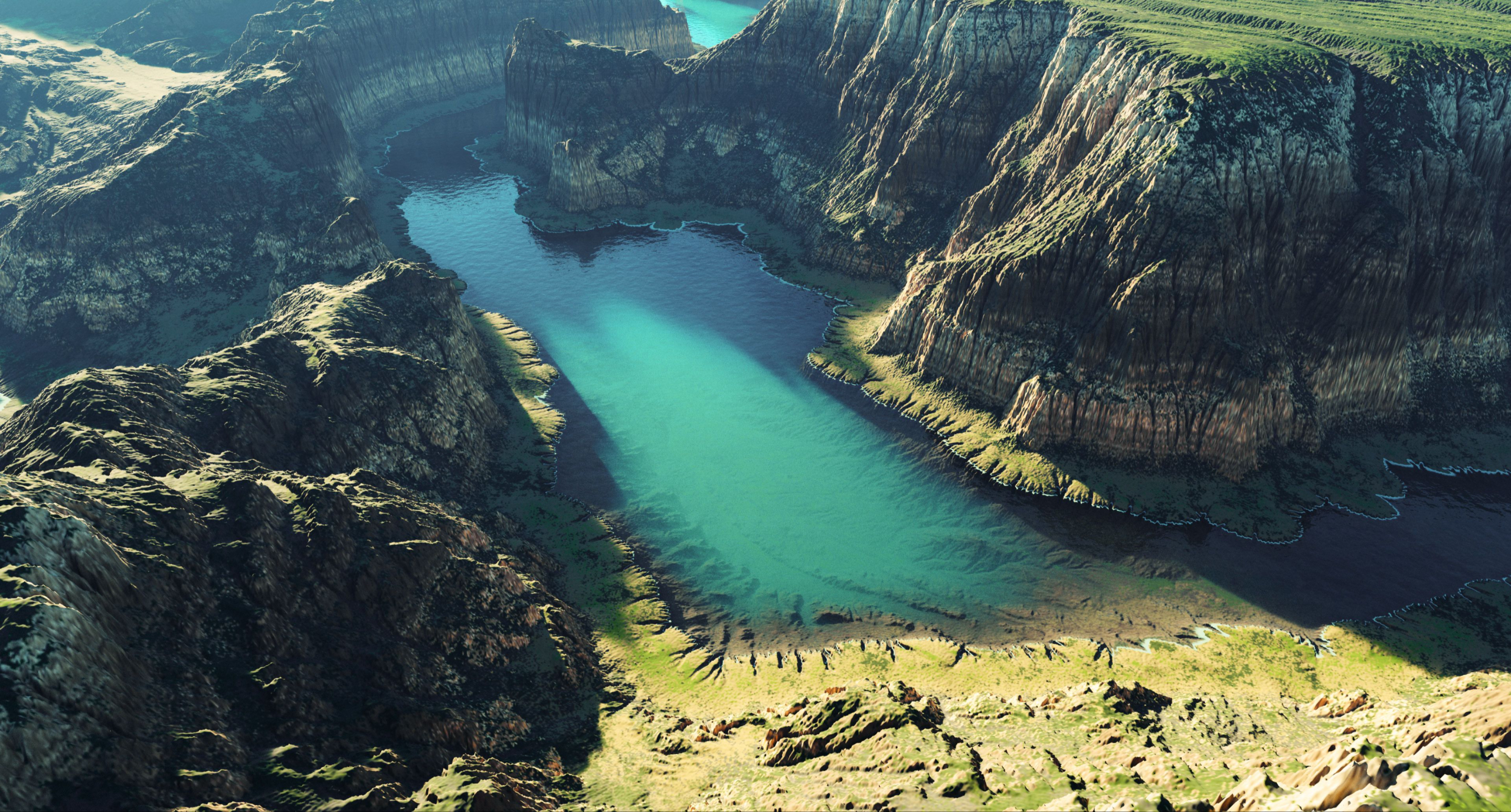
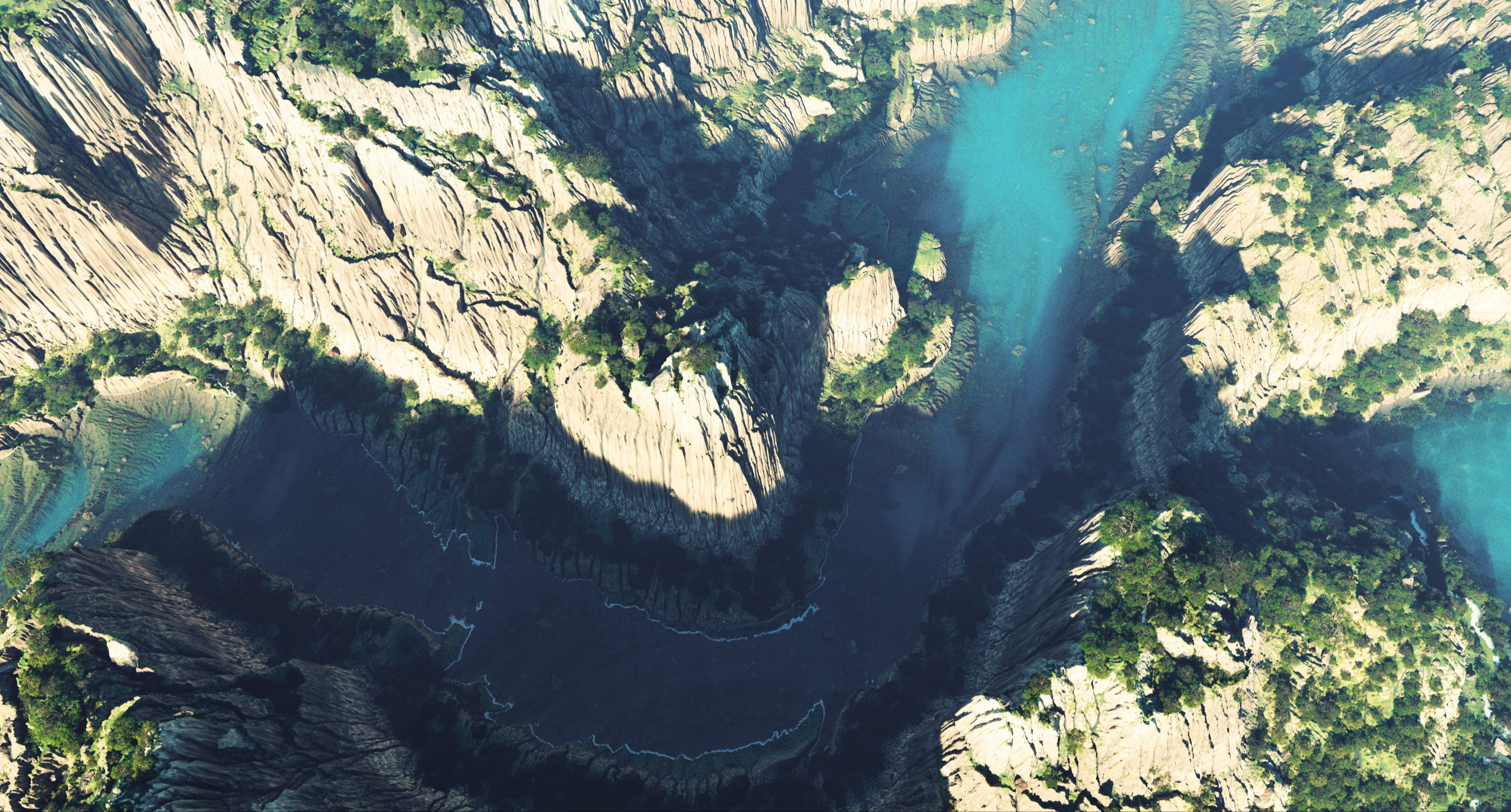
In this practical chapter, we build a complete scene step by step: shaping the terrain, adding materials, controlling masks and materials with distribution rules, adding water, scattering Trees and Rocks and polishing the final look with subtle adjustments.
Frequently Asked Questions
Do I need prior experience with World Creator?
What will I learn in this course?
Who is this workshop for?
Can I use models you shared in my own project?
Can I contact you with questions or feedback?
What software and addons will I need?
What's the total duration of the course?
Are project and source files included?
Is this workshop World Creator 2026 ready?
Will I get access to future content updates?
Who Am I?
Hey, I'm Natiq Aghayev - though most people online know me as Defonten. I’ve been in the CG Industry for over 20 years, working as an Art Director, Concept Artist, and Animator. Over the years, I’ve done a bit of everything - from Music Videos and TV ads to Game Art, Branding, and Print Design.
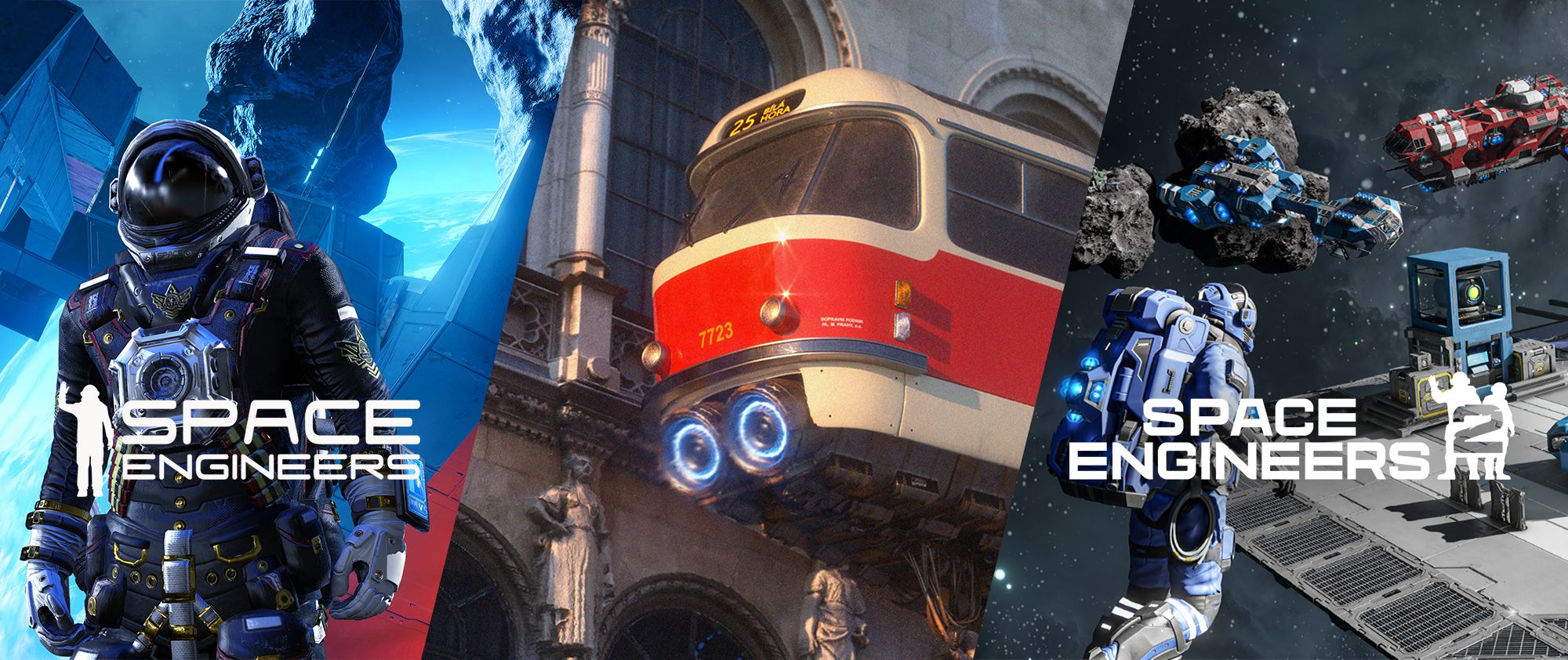
One of the key highlights of my professional career is my work on the Space Engineers franchise – a game about creativity and exploration in outer space, which I art-led through its successful release in 2019, including leading the art for its post-launch DLCs. For Space Engineers 2 game, I was responsible for creating the Verdure and Kemik planets for the major Planets Update released on December 1st, 2025. My role covered creating the core terrain-building pipelines, from initial heightmap layout and biome design up to the final polish state - where I had a chance to work side by side with fantastic team of artists from Keen Software House.
All of this experience helps me bring practical, real-world insight into my courses and workshops. Whether you're just starting out or aiming higher in your 3D career, I’m here to help you grow - without fluff, and with a clear plan.

⭐ Testimonials ⭐
See what our students say about the course

Jakub I - Prague, 3D Artist
Natiq’s lessons completely changed the way I approach Environment Art and World Creator specifically. I like his relaxed and enthusiastic style of teaching - it really motivates and makes even complex things look simple. Easily one of the best mentors I’ve had!
Vanessa H - Prague, Student
I really appreciated how structured and practical Natiq’s teaching style is. No fluff, no confusion - just real workflows that work. Every session gave me something I could apply immediately - which for me was very important. Thanks to him, I finally have a portfolio piece I’m proud of!
Tomas D - Prague, Student
Natiq is incredibly supportive and patient. When I struggled with Shape Layers, he always took time to explain things in a simple, understandable way. His enthusiasm for CG is contagious, and it pushed me to experiment more. I learned more in his course than in months of trying to figure things out on my own.